








The best website builder with MCP is the one that exposes the tasks your team actually needs. Elementor, WordPress, Webflow, Framer, Wix, Duda, Lovable, Builder.io, Zarla and Squarespace all document official MCP routes, but their scope ranges from native page building to content, commerce and domain operations.
For editable WordPress layouts, start with Elementor. For WordPress publishing, assess WordPress.com’s MCP tools. For visual sites, compare Webflow and Framer; for Wix business services, investigate Wix. Duda, Lovable, Builder.io and Zarla cover different agency, application and hosted-site workflows. Squarespace’s documented MCP is currently an operations option rather than a visual page builder.
What is MCP in a website builder?
Model Context Protocol, or MCP, is a standard connection through which an AI assistant can discover and use a platform’s exposed tools. In a website workflow, those tools might read a CMS entry, create a section, update a style or publish a draft. The available actions depend on the server, account permissions and product plan.
MCP itself is not a website generator, CMS or ranking feature. It connects the assistant to capabilities the platform makes available. A documentation-only server may help write code without changing your site; an action-capable server may make real changes.
10 website builders with MCP: quick comparison
- Elementor: Native WordPress page building.
- WordPress: Content and site management.
- Webflow: Design systems and CMS websites.
- Framer: Visual websites with remote agent access.
- Wix: Business websites and service integrations.
- Duda: Agency site operations and Vibe projects.
- Lovable: Websites that also need application behavior.
- Builder.io: Component-based websites and structured content.
- Zarla: Hosted small-business websites.
- Squarespace: Domain and commerce operations.
How we selected these MCP website builders
Each platform has a first-party page describing an MCP connection. We prioritized explicit actions, a recognizable website workflow and clear implementation limits. The list includes traditional builders, WordPress, a visual CMS and an application builder because buyers often compare them for the same website brief.
Our project-fit recommendations are editorial judgments. Before buying, confirm current tool availability, plan limits and whether the connection supports the intended editor. A public screenshot verifies the page we captured; the linked documentation supports the capability summary.
The 10 builders and what their MCP integrations do
1. Elementor: native wordpress page building
Best fit: teams that want AI-assisted production while keeping pages editable in Elementor.
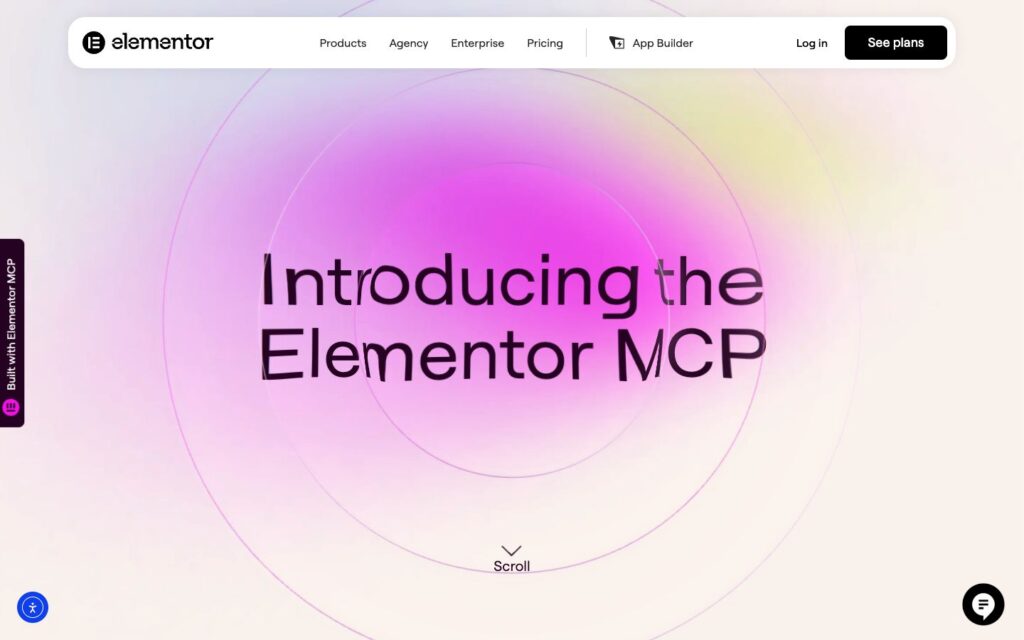
Elementor MCP creates native layouts, theme parts and design-system structures from a connected AI assistant. The important benefit is the handoff: the result remains available in the visual editor, so a marketer can continue editing it.
Scope to check: Elementor’s current landing page specifies Atomic Elements support. It labels existing-layout edits, full design-system work and access to other plugins’ abilities as requiring Angie; Pro unlocks additional building tools. Do not assume every legacy V3 widget can be edited through the same connection.
For an existing site, test one representative page and its mobile layout before expanding the workflow. Official Elementor MCP overview.
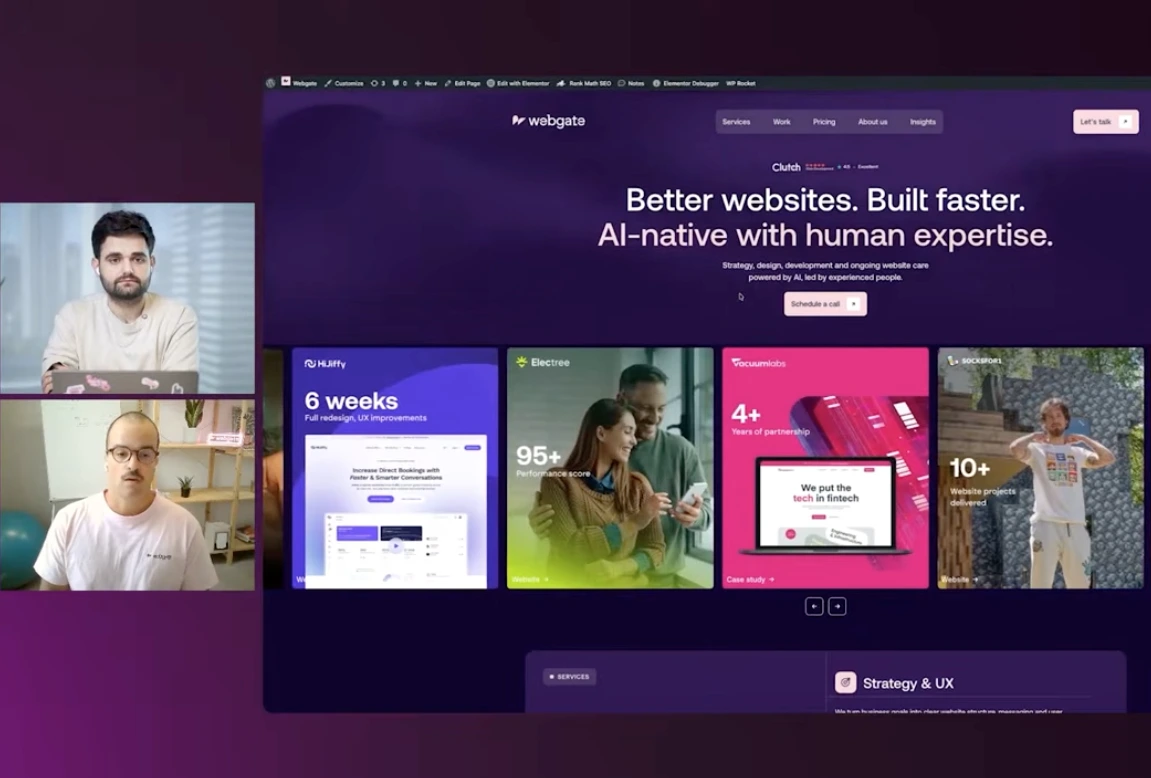
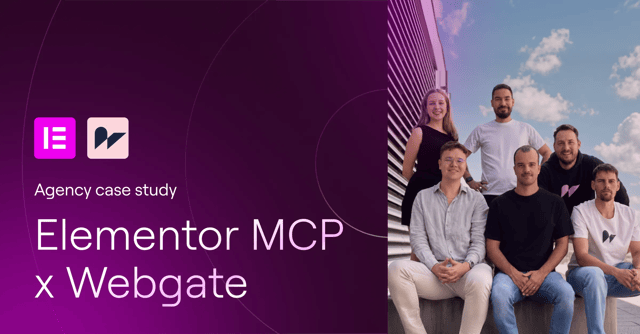
Webgate case study: Elementor MCP on a production website. In our first-person case study published by Elementor, we describe using Codex and Claude Code to build on webgate.digital. We kept existing V3 structures and introduced new V4 Atomic sections, using Figma and screenshots as references. The workflow combined MCP implementation with browser-based visual QA and final adjustments in Elementor. This demonstrates a gradual adoption approach on an existing site, rather than a requirement to rebuild everything. Read Webgate’s Elementor MCP case study on Elementor.com.
2. WordPress: content and site management
Best fit: publishing teams that need an assistant to work with WordPress content and site operations.
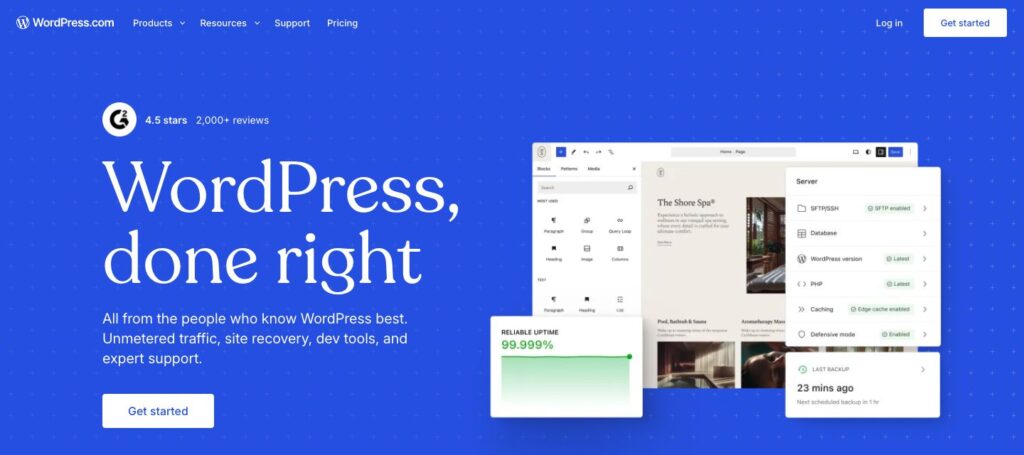
WordPress.com offers MCP access for its hosted sites, including free sites, and supports self-hosted sites connected through Jetpack. Its settings separate read and write tools, with account defaults and site-level overrides.
Scope to check: “WordPress MCP” is not one universal visual builder. This profile covers the official WordPress.com route. A self-hosted installation can have a different connector and tool set. Content access does not automatically mean control of every theme or page-builder widget.
WordPress and Elementor appear separately because they solve different layers of the workflow: content and platform operations versus Elementor-specific visual structures. Official WordPress.com MCP access guide.
3. Webflow: design systems and cms websites

Best fit: marketing teams already building with Webflow’s design system and CMS.
Webflow MCP connects compatible assistants to its Data and Designer APIs. Its published capabilities include creating layouts, using components, applying styles, managing variables and working across breakpoints, alongside CMS and site-management tasks.
Scope to check: confirm which connection and designer-side setup your intended action needs. A successful CMS query alone does not demonstrate that the agent can complete a responsive page build in your project.
A useful pilot is to create a draft campaign page from existing components, populate its CMS content and review the result at three viewport widths. Keep your existing roles and publishing process part of the brief. Official Webflow MCP overview.
4. Framer: visual websites with remote agent access
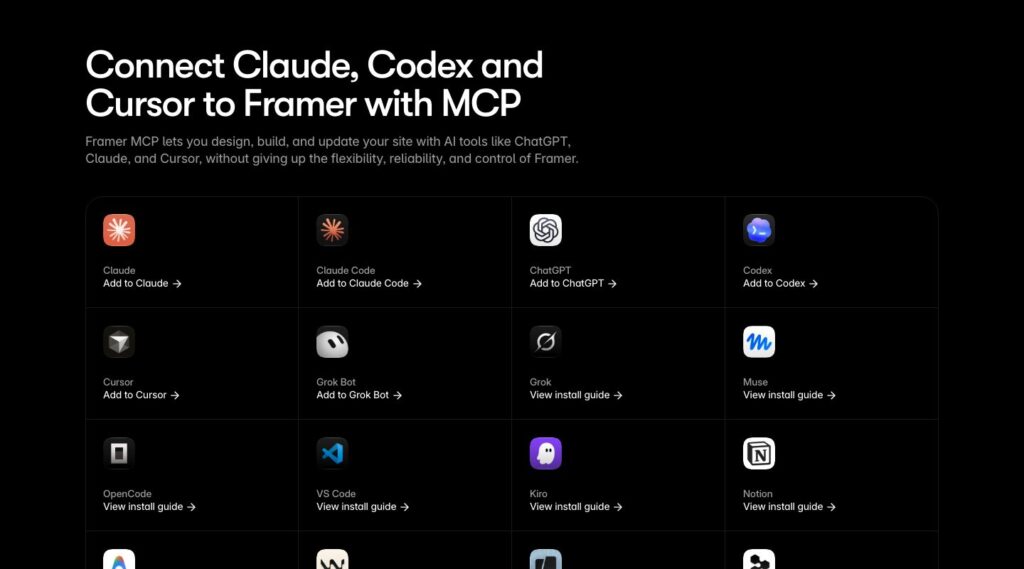
Best fit: design-led websites whose team wants agents working inside a Framer project.
Framer’s official remote MCP connection can inspect projects and work with the canvas, components, supported settings and CMS. Framer says the editor does not need to stay open and there is no local bridge to install for this route.
Scope to check: the remote MCP server and the older External Agents CLI do not yet have identical feature coverage. Framer identifies localization as an example of additional workflows in the older setup.
Ask the agent to work on a branch and review the design before publication. Framer documents that project edits stay off the live site until publishing. Official Framer MCP overview.
5. Wix: business websites and service integrations
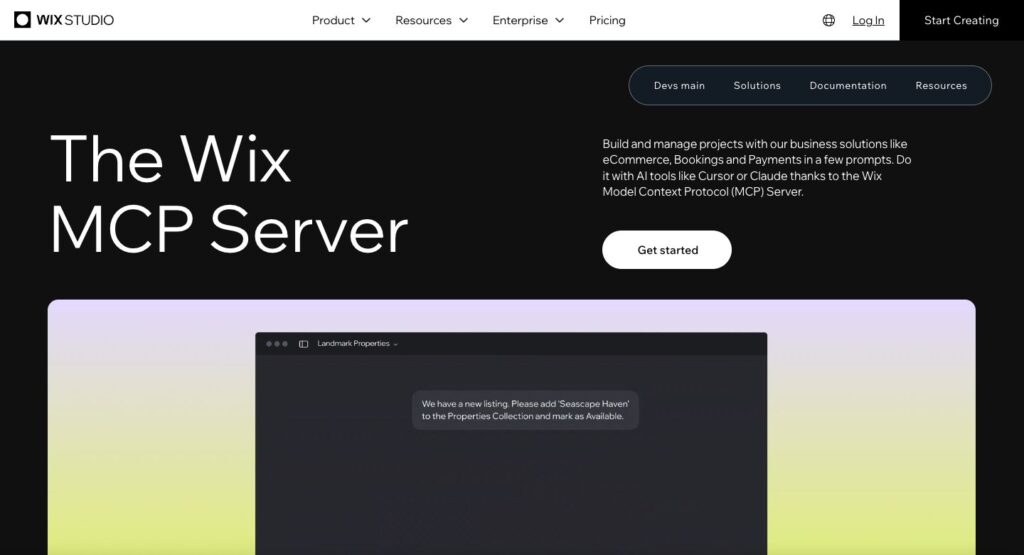
Best fit: websites connected to Wix services such as bookings, ecommerce, events or customer management.
The official Wix MCP server gives compatible assistants access to Wix development resources and business functionality. Wix describes building websites, web apps and custom Wix apps using its open APIs, including CMS, Blog and CRM capabilities.
Scope to check: distinguish code and API workflows from direct manipulation of a particular visual editor. Ask for a demonstration of the exact page-building or editing task you need, rather than assuming that every Wix editor action is exposed.
Test a representative business journey, such as a service page connected to a booking flow, and review the generated code and live behavior before launch. Official Wix MCP server overview.
6. Duda: agency site operations and vibe projects
Best fit: agencies that manage multiple client websites and want connected production and operations.
Duda’s official MCP documentation lists site publishing, content libraries, collections, blogs, store information and account management. It also lists creating and editing Vibe sites with prompts, reading their code and manipulating page elements.
Scope to check: Duda labels the integration as an evolving beta. Availability and permitted actions depend on the account and workflow. Confirm your plan’s support for creating Vibe projects and publishing through MCP before committing to an automated process.
Run a pilot on a client-style draft site with the actual content model and approval process you intend to use. Official Duda MCP capabilities.
7. Lovable: websites that also need application behavior
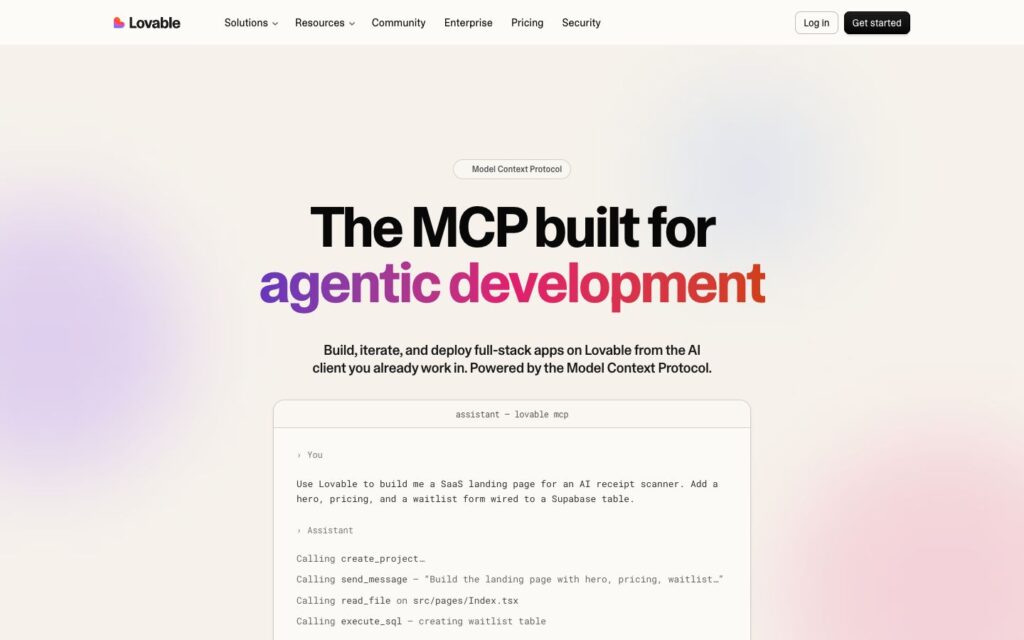
Best fit: projects that combine a public website with interactive application features.
Lovable’s official MCP server lets an external assistant create, iterate on and deploy projects. This is distinct from Lovable’s chat connectors, which bring other services into a build. Here, the external assistant directs Lovable itself.
Scope to check: OAuth support is limited to the clients Lovable lists. The server is available across plans, but Enterprise enablement may require the account team. Build actions consume workspace credits.
For a marketing website, evaluate content editing and ongoing ownership as carefully as the first generated design. An application-oriented workflow may suit a calculator or portal better than a team that mainly needs routine CMS publishing. Official Lovable MCP overview.
8. Builder.io: component-based websites and structured content
Best fit: teams combining a custom frontend, reusable components and visual content management.
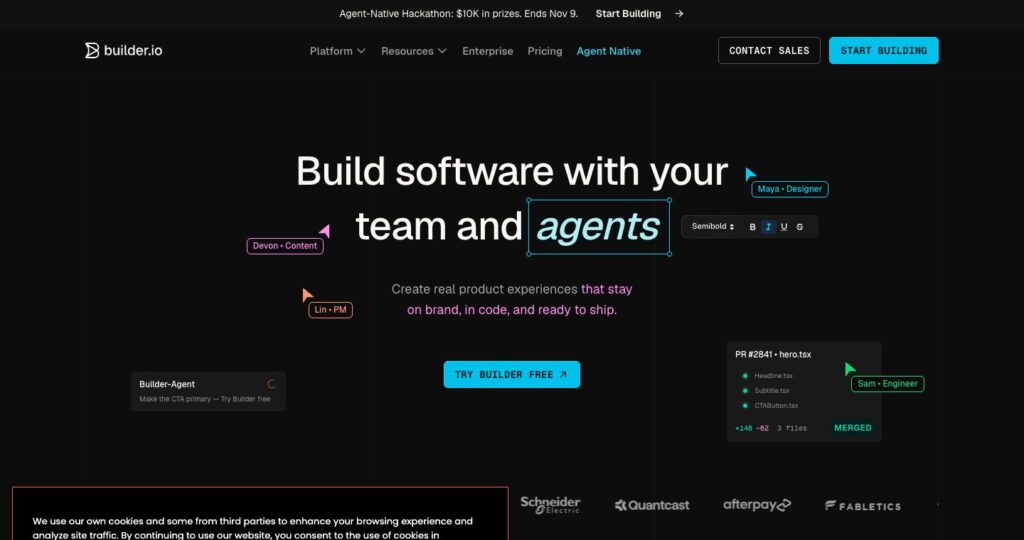
Builder’s CMS MCP server connects to Builder Content Spaces. It can retrieve, create and update content, inspect models and page hierarchy, and access design tokens and registered components. Those checks help an agent use the structures that actually exist in a project.
Scope to check: the CMS server is not interchangeable with Builder’s separate Code or local MCP servers. Choose the connection for the content or engineering task you intend to perform.
A useful first task is drafting a landing-page variation from an existing model and component set, followed by a human review in the editor. Official Builder CMS MCP documentation.
9. Zarla: hosted small-business websites
Best fit: small businesses that want a hosted website built and maintained through conversational requests.
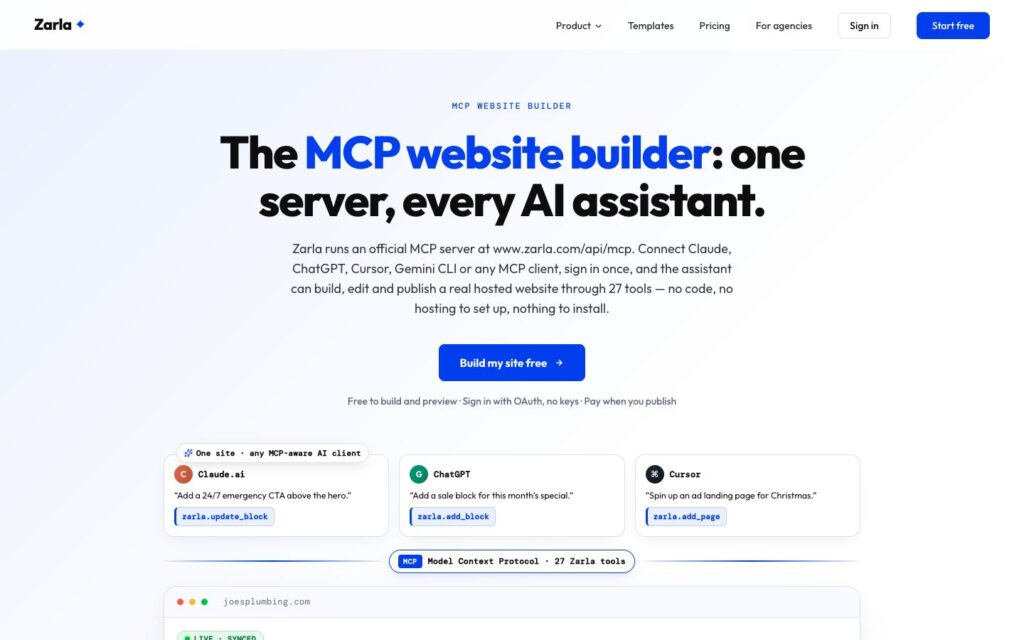
Zarla documents an official remote MCP server for creating sites, editing pages and sections, changing designs, managing business details, uploading images and publishing. Its published workflow puts edits into a private draft before an explicit publishing request.
Scope to check: building and previewing are free according to Zarla’s documentation, while a live publication needs a paid plan. Check that the available design and content controls cover your specific requirements.
Try a real service page with your own copy, location and contact details. Assess the result and its editing workflow rather than treating a vendor’s speed or SEO claims as guaranteed outcomes. Official Zarla MCP overview.
10. Squarespace: domain and commerce operations

Best fit: Squarespace users who want assistance with domain research and store information.
Squarespace’s official MCP server documents domain availability and pricing, product and contact creation or updates, and order lookup. Its commerce tools currently work in Claude and ChatGPT, while the domain tools support a broader range of clients.
Important limit: the documented tool groups do not establish visual page-layout editing or full website generation. Squarespace is included as a website builder with an official MCP integration, not as a direct equivalent to the canvas-building options above.
Domain tools return purchase links, and orders are read-only. Choose it for the supported operational tasks, while continuing to design pages through the appropriate Squarespace workflow. Official Squarespace MCP scope.
How to choose the right MCP website builder
Start with the website your team needs to operate after launch. Connecting an assistant is only useful if the resulting pages, components and content remain manageable.
- Specify one complete task. For example: create a campaign page using existing components, add approved copy and save a preview.
- Check the tool scope. Separate content editing, visual layout changes, account administration and publication.
- Inspect the handoff. Have a marketer make a normal edit without the agent. Confirm where design files, code and content live.
- Review a real page. Check desktop, tablet and mobile, navigation, forms, images and accessibility.
- Confirm permissions and recovery. Choose the correct site, keep a usable revision or backup, and define who approves publication.
- Compare the total cost. Include the builder plan, AI client, generation credits, integrations, maintenance and review time.
A practical pilot brief is: “Inspect our existing design system, create a draft service page from this approved copy, reuse our components, and return a preview plus a list of changes. Keep it unpublished until the page has been reviewed.” This tests a repeatable workflow rather than the novelty of one generated screen.
Does MCP improve SEO, GEO or AEO?
MCP can help execute SEO work; the connection itself does not make a website rank. An agent may help update titles, descriptions, internal links or image alt text when the relevant tools exist. The resulting page still needs to be useful, accessible and crawlable.
For answer engine optimization (AEO) and generative engine optimization (GEO), publish clear answers, precise entities and source-backed explanations. Keep important facts in readable page text, explain product limits, and show when fast-changing information was reviewed.
Google’s guidance for AI features says established SEO practices remain relevant and that no special AI markup or additional machine-readable file is required. Eligibility is not a guarantee of indexing or inclusion in an AI answer.
- Give each page a distinct search intent and descriptive title.
- Write a useful meta description that accurately summarizes the page.
- Use one main heading and descriptive section headings.
- Link related articles and primary sources where they help the reader.
- Keep structured data consistent with visible content.
- Check canonical URLs, indexing directives, sitemap inclusion and mobile rendering after publication.
Frequently asked questions
Which website builders have official MCP support?
The ten options covered here are Elementor, WordPress through WordPress.com’s connection, Webflow, Framer, Wix, Duda, Lovable, Builder.io, Zarla and Squarespace. Official support does not mean identical capabilities: Squarespace’s documented tools focus on domains and commerce, while several other options support page or project creation.
What is the best MCP website builder for WordPress?
Consider Elementor when your priority is creating editable Elementor layouts. Consider WordPress.com’s MCP connection for its supported content and site-management tasks. For a self-hosted site, verify the specific connection, installed plugins and exposed abilities before assuming either workflow will work.
Can an AI assistant build an entire website through MCP?
Some platforms document site or project creation, while others expose narrower actions. Even when generation and publishing are supported, provide the content, brand rules and business requirements, then review the result. “MCP support” alone does not establish an end-to-end website-building capability.
Is an MCP website builder free?
Access to a connection may be included, but the builder, hosting, AI client or generation credits can still cost money. For example, Zarla distinguishes free building and previewing from paid publication, and Lovable says build actions consume workspace credits. Check the current plan for your intended workflow.
Is MCP the same as a built-in AI website assistant?
No. A built-in assistant is part of the product interface. MCP provides a connection that an external assistant can use. Also distinguish a builder connecting outward to your other tools from an external assistant connecting inward to build or manage the website.
Will MCP make my website appear in ChatGPT or Google AI answers?
No connection guarantees that outcome. MCP is a workflow capability. Discovery depends on the published website, the information it contains, access and indexing, and the systems selecting sources for a particular question.
Choose the workflow before choosing the builder
Pick a platform around your content, editing needs and ownership requirements, then use MCP to improve the parts of delivery it genuinely supports. For teams maintaining a B2B marketing website, a repeatable draft, review and handoff process is more valuable than an impressive first prompt.
Explore Webgate’s AI-native website services or compare our guides to AI-native web development agencies and AI-native web design agencies.