









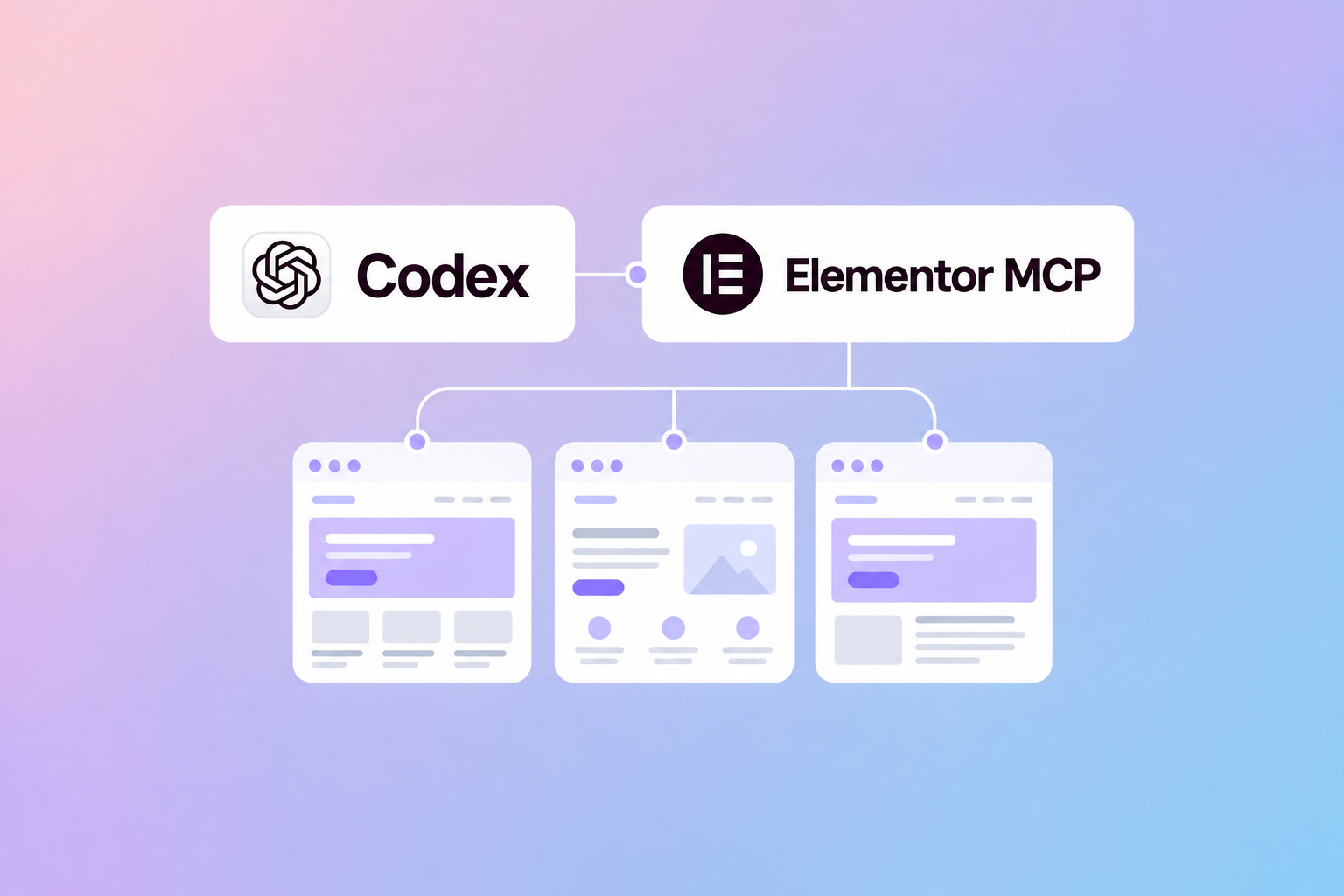


What does AI-assisted website development look like on a site that already has years of content, components, and design decisions behind it? In this video, our CEO Tomáš Jendek joins Roi Tal from Elementor to show how we use Elementor MCP in our agency workflow.
Published on Elementor’s YouTube channel, the 19-minute conversation walks through prompting, reusable components, debugging, and real production examples. Watch the full video below, or jump to a chapter that interests you.
Watch our conversation with Roi Tal
Watch the full conversation on YouTube.
Inside the workflow
The discussion follows the work from a first prompt through component design and site maintenance. Tomáš shares how we approach an existing production website, how we give the agent useful context, and where this approach fits into an agency’s day-to-day work.
For marketing teams, the most useful question is practical: how can the next page or component be easier to create and maintain? The video explores that question through examples from our own website and client work.
Jump to a chapter
- 0:00 — Introduction to Webgate
- 1:37 — First impressions of MCP
- 4:47 — Prompting and workflows
- 7:28 — Streamlining component design
- 8:48 — Future agency workflows
- 11:03 — Advanced component building
- 13:42 — Debugging and site maintenance
- 15:44 — Real-world production results
Explore the examples
Want a closer look at the work discussed? These links are also included in the video description:
- Webgate’s component examples built with Elementor MCP
- Our AI-native website agency page
- The Bloomreach marketing automation example
Read more about our approach
Our written case study covers the setup, the combination of existing Elementor V3 structures and new Atomic elements, and the review process we use before launch. Read our case study on the Elementor blog or our original Elementor MCP article.
If you’re exploring how this workflow could support your website or marketing team, talk to us about your next project.


